|
How do I create the example plots? |

  
|
|
How do I create the example plots? |
|
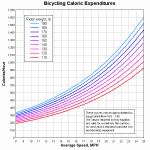
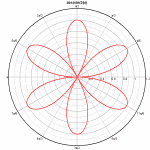
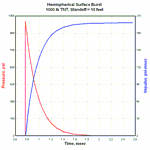
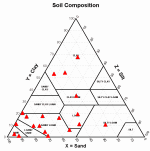
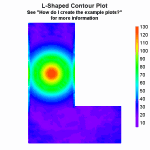
This section provides step-by-step procedures for recreating the example plots distributed with DPlot. (The example plots all have prefix of “ex” and an extension of “.grf”. They are located in the DPlot folder on Windows 95 and 98 systems, and in My Documents\DPlot on all newer versions of Windows.)
Click on the corresponding picture for a full description of how that plot was created. You should start with the description of ex01.grf, as it contains quite a bit of information that is common to all example plots and is not repeated.
|
|
|
|
|
|
|
|
|
|
|
|
|
|
|
|
|
|
|
|
Page url:
https://www.dplot.com/help/index.htm?how_examples.htm